My Journey with Neovim: Overcoming the Learning Curve ⌨️
Where I Started with Neovim
In my initial blog posts I mentioned I wanted to use Neovim (or nvim, as the application is known), because I needed a highly capable yet portable editor, particularly while on the go through SSH on my iPad. As of today, I think I am confident this can definitely be my primary editor even on my non-iPad devices.
My Current Neovim Experience
It has just been shy over a week of using Neovim as my primary editor of choice; this is excluding time spent on the built-in tutorial process (which I highly recommend new users to complete). Productivity at first has been slow, as we expected. As type time accumulates, I am happy to report my productivity has been drastically increasing.
Part of the experience is wanting to use the editor. There were moments where I wanted to gravitate back to using vscode to take notes or do some dev work. The biggest reason for that urge is that most of your functionality is not quite apparent with Neovim. For example, if I wanted to rename a variable name, it is very intuitive in vscode, as is most Windows based editors. We could do a replace command in vscode by calling the trusty ctrl-h, filling the replace fields, and the job is done.
I’m using LazyVim, a package manager for Neovim, so different managers may have their own keymaps based on the included plugins supplied. In the case for Neovim, I could use a similar rename action by calling <leader>cr; I could even alternatively use the substitute command by calling something like %s/oldtext/newtext/c.
My Notes For Someone Starting With Neovim
The immediate hurdle most newcomers face in Neovim would have to be the fact that most (if not all) keymappings are unfamiliar, or not apparent. This results in the user having to refer to the help command quite a bit, or perform lookups online for additional context or resources. I have found I had to constantly lookup “how do I do … in Neovim”. It is further made complex by Vim motions, which is a fairly intuitive way of moving around once familiarized.
Do use a package manager like LazyVim. Not only it simplifies the initial setup process, but it makes the initial setup experience much more pleasant. I wouldn’t try to configure and customize a raw Neovim install from scratch as a beginner.
Many of the actions around Neovim revolve around your own needs. In my case I use it for general writing and coding. I had found the following to be some of my most commonly used functions…
- managing buffers
- managing windows
- using a tree explorer
- finding things
- replacing/renaming/substituting
- moving horizontally and vertically to different line places
- and frequent :w and/or :q
Not only have I been able to have an extremely capable editor through CLI, but not having to constantly lift my hand onto the mouse is a very refreshing experience! Overall it has been positive and I don’t feel like I will have much more to say about Neovim. I’m now confident as time goes on, things will only become faster and more productive.
Designing my First Major Application 😵💫
I continue to build onto my application. My latest code challenge has been wrapping my head around the idea of abstracting database access as the next layer up from the CRUD code generated by sqlc. The sqlc code is solid… However, when using on its own it can be clunky to use directly. The next step in the design was to create interfaces to take the sqlc queries and incorporate some business logic for sanity.
How I am Thinking About the Design Specs
I started by writing the interface signatures, by referencing the underlying sqlc CRUD queries I’ve already prepared. The interface implementation would become receiver methods in which they may use a variety of input parameters and executions.
The other piece of the interface was to also setup a struct in order to store, structure, and format the incoming parameters. This would also closely reflect the underlying sqlc structs. By ensuring the access layer processes all input parameters and fields with the appropriate formatting and logic handling, this produces methods that are much easier to use.
In my early testing, I had struggled and found it was very easy to misuse the sqlc direct calls. For example, some fields we are expecting text; so a string type of course! However it may not always be the case. In fact it could sometimes be a pgtype.Text!
The majority of the time it was either due to my own formatting errors or entirely trying to figure out why I cannot cram an incorrect type into fields! I haven’t spent much time trying to dive too deeply into why, but it seems to be a quirk of sqlc or my schema met some sort of condition that causes some expected types to be different.
Implementing the Access Interface
The interface implementation will also set up its own struct, which holds my sqlc queries. An additional function in the implementation allows the sqlc queries to be passed in as a parameter, which subsequently is stored in the struct (there’s no constructors in Go, so this would be essentially an init function). This struct here will be what allows me to write my receiver methods.
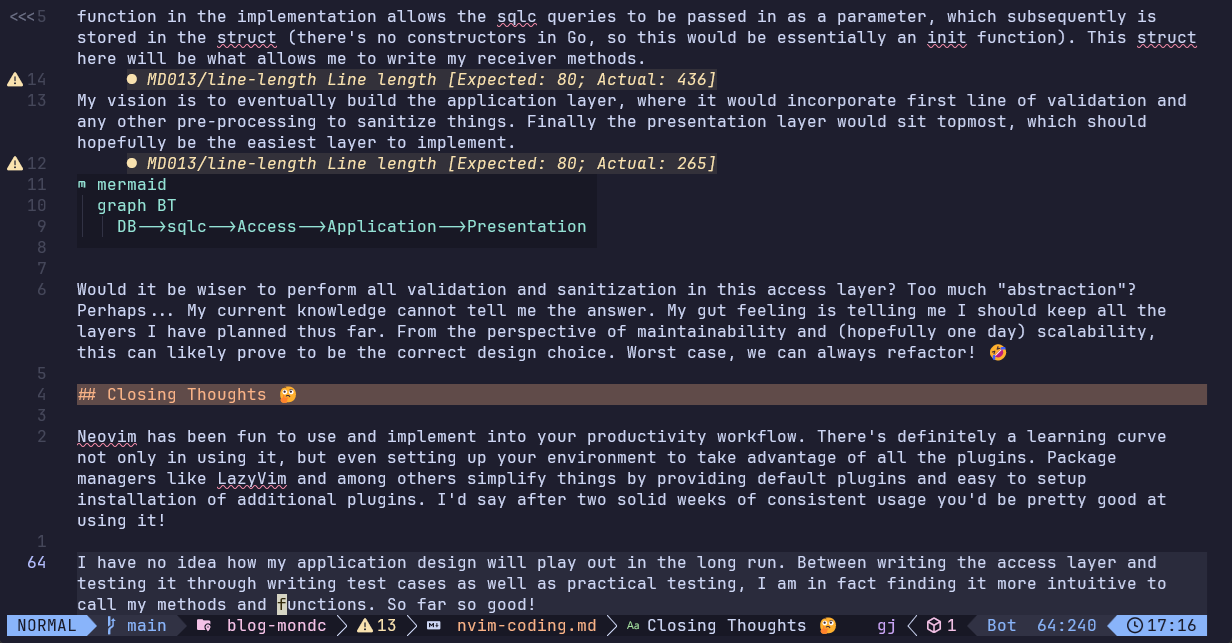
My vision is to eventually build the application layer, where it would incorporate first line of validation and any other pre-processing to sanitize things. Finally the presentation layer would sit topmost, which should hopefully be the easiest layer to implement.
  graph BT
    DB-->sqlc-->Access-->Application-->Presentation
Would it be wiser to perform all validation and sanitization in this access layer? Too much “abstraction”? Perhaps… My current knowledge cannot tell me the answer. My gut feeling is telling me I should keep all the layers I have planned thus far. From the perspective of maintainability and (hopefully one day) scalability, this can likely prove to be the correct design choice. Worst case, we can always refactor! 🤣
Closing Thoughts 🤔
Neovim has been fun to use and implement into your productivity workflow. There’s definitely a learning curve not only in using it, but even setting up your environment to take advantage of all the plugins. Package managers like LazyVim and among others simplify things by providing default plugins and easy to setup installation of additional plugins. I’d say after two solid weeks of consistent usage you’d be pretty good at using it!
I have no idea how my application design will play out in the long run. Between writing the access layer and testing it through writing test cases as well as practical testing, I am in fact finding it more intuitive to call my methods and functions. So far so good!